Debug Menu
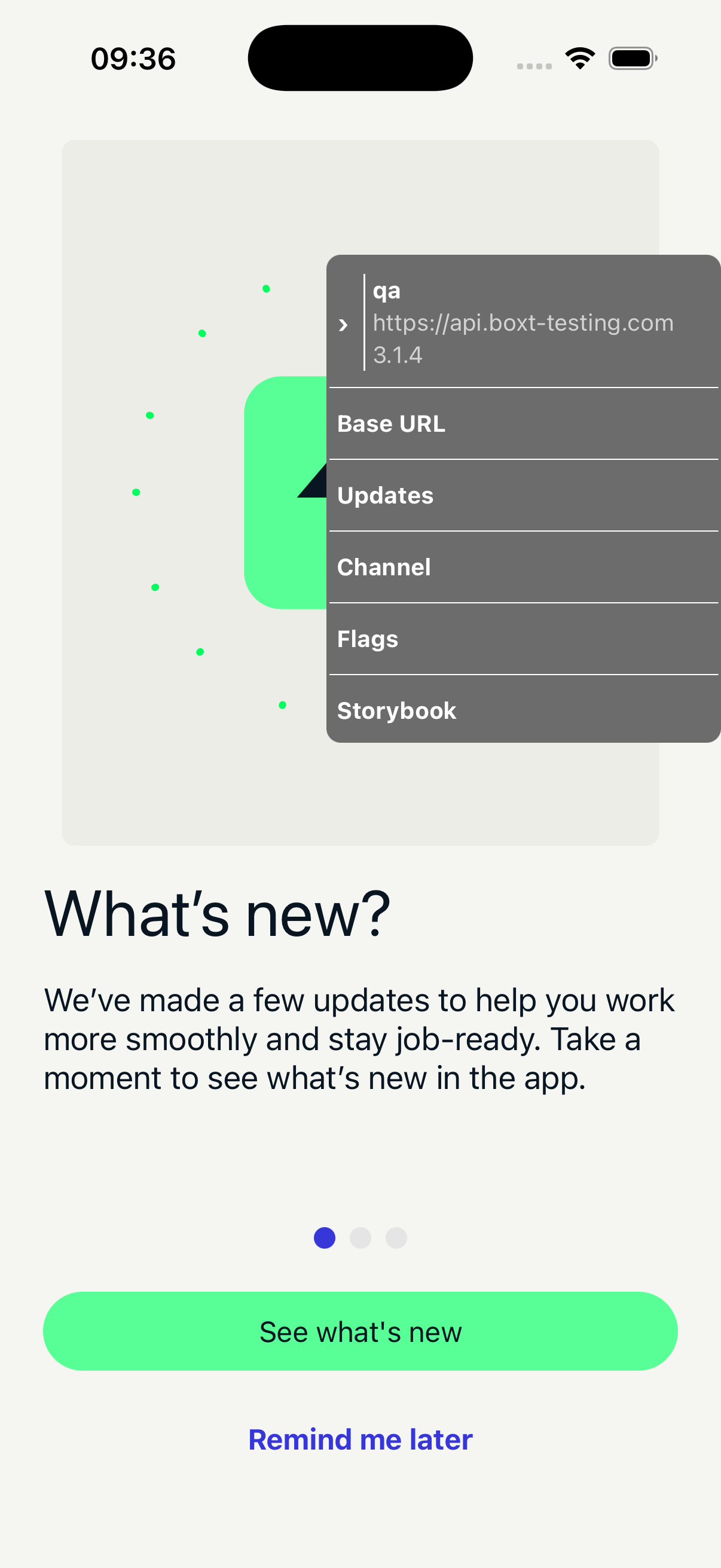
The debug menu is a floating panel with quick access to API switching, OTA updates, channel management, feature flags, and Storybook.
Concepts
A fresh build will be pointing at the QA channel, the testing API, and won't have the latest OTA update.
| Setting | What it does | Default |
|---|---|---|
| Base URL | The API endpoint the app connects to | api.boxt-testing.com |
| Channel | The OTA update channel the app listens to | qa |
| OTA Updates | Over-the-air updates pushed to a channel. Can be triggered via the debug menu or the OTA update modal. | None on a fresh build |
Opening the Debug Menu
The menu starts visible on launch. Shake the device to toggle it on or off.
The menu is hidden in production builds and when E2E mode is enabled.
Collapsed and expanded states
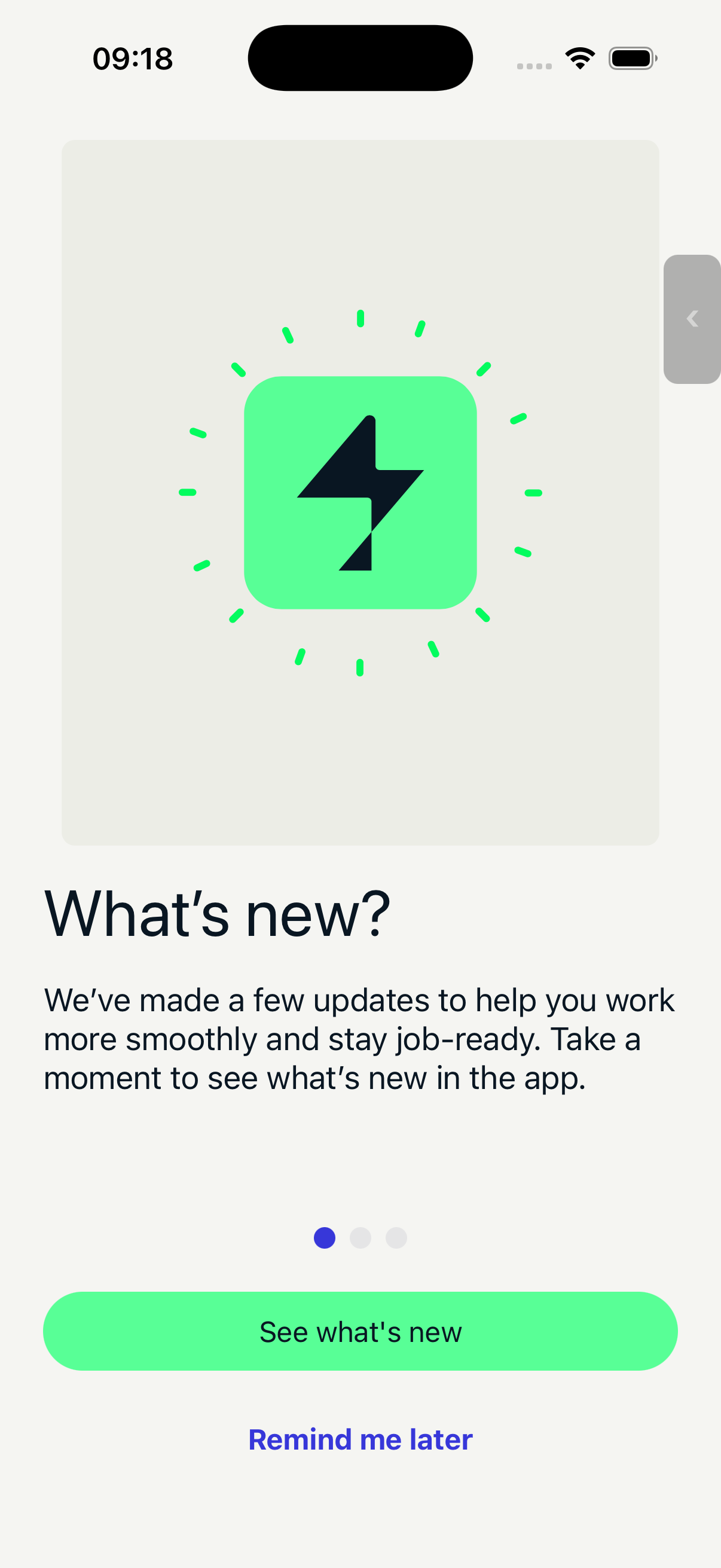
The menu starts collapsed as a small button on the edge of the screen. Tap to expand and see the full menu. Drag to reposition — it snaps to the nearest screen edge.
| Closed | Opened |
|---|---|
 |  |
Menu Items
Base URL
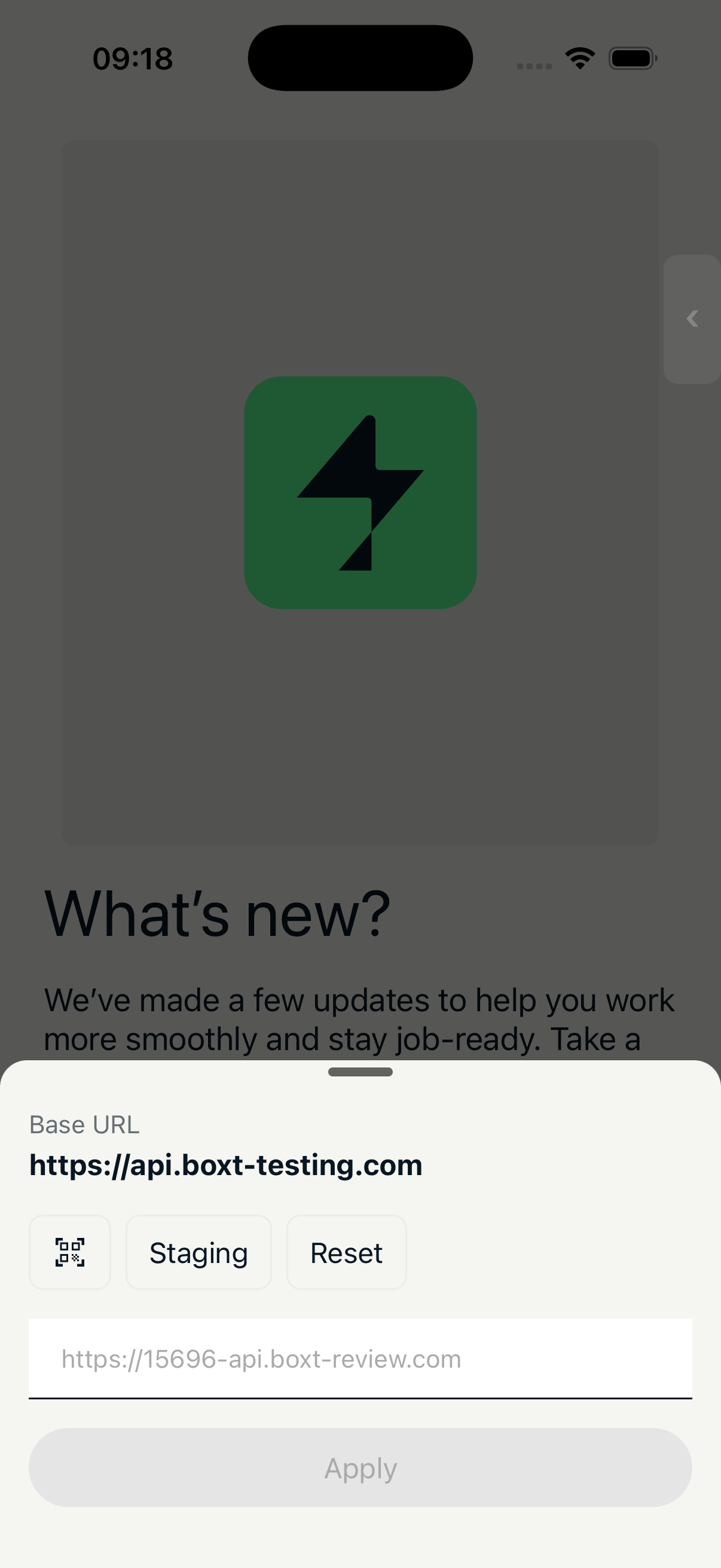
Switch the API endpoint the app connects to.
| Action | Description |
|---|---|
| Staging | Switch to api.boxt-staging.com |
| QR scan | Scan a review app QR code |
| Manual | Enter a URL manually |
| Reset | Reset to the environment default |
Changing the base URL will log you out if you're signed in, since auth tokens are API-specific.
Channel
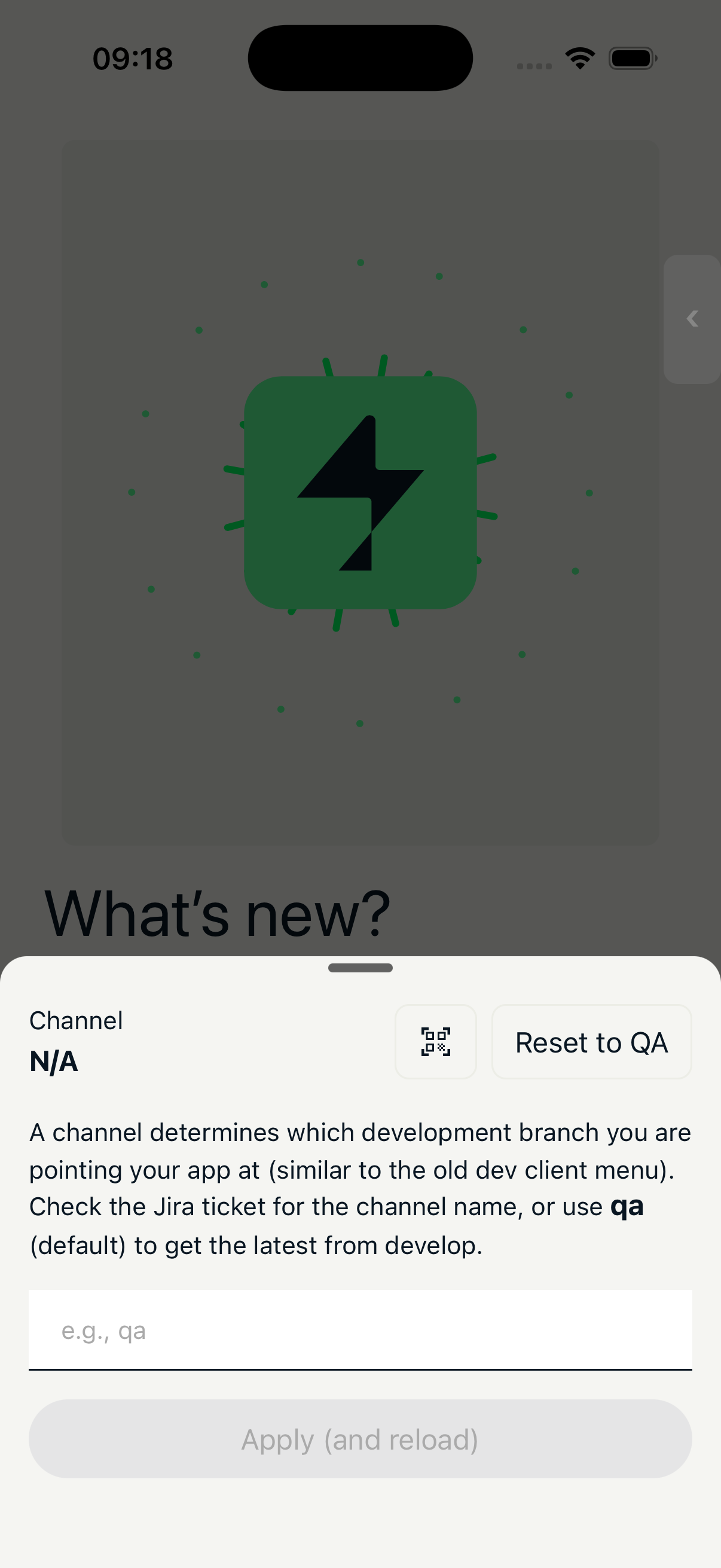
Switch the OTA update channel the app listens to. Channels map to development branches — similar to the old dev client menu.
| Action | Description |
|---|---|
| QR scan | Scan a channel QR code (from jira comment) |
| Manual | Enter a channel name manually |
| Reset | Reset to the default QA channel |
When you switch channel, the app will restart and load the latest OTA for that channel.
OTA Updates
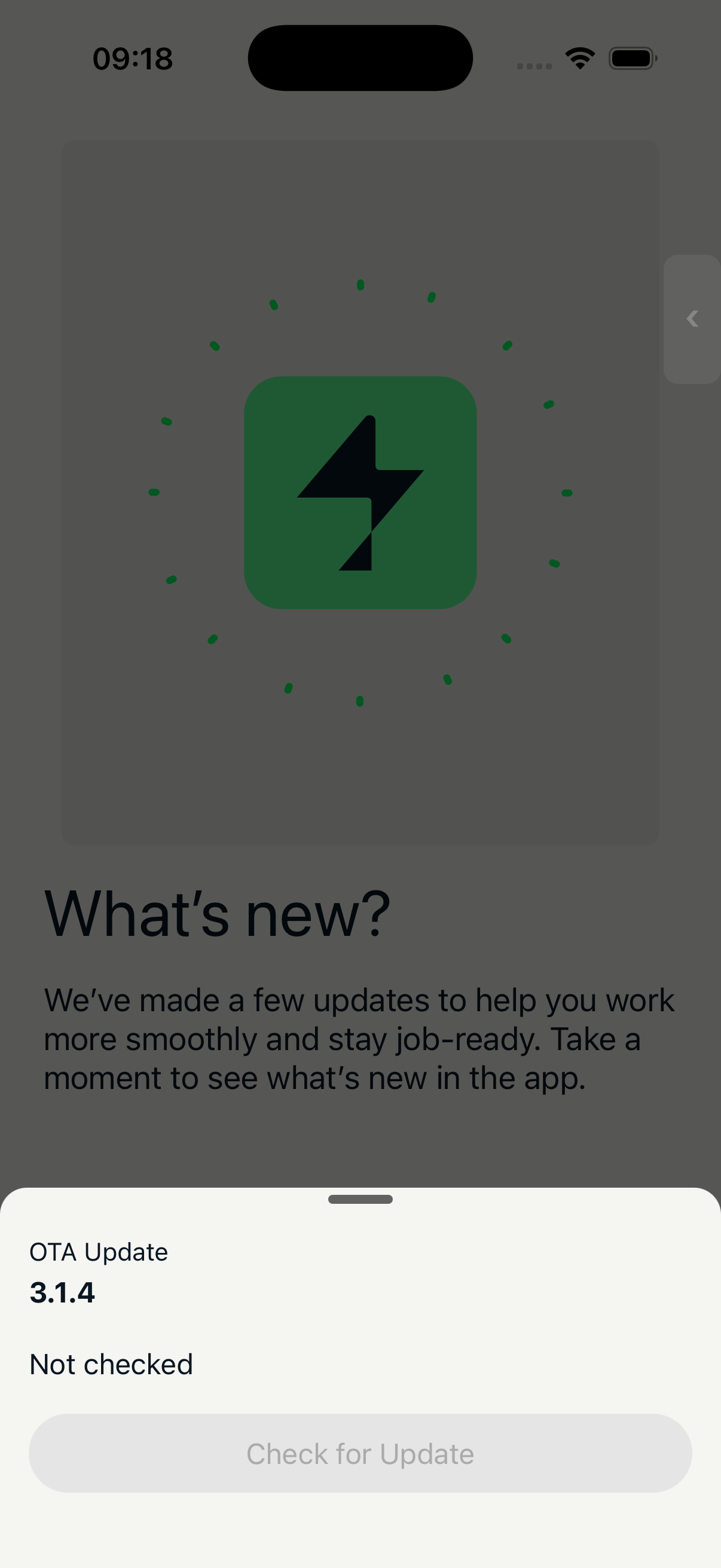
Check for over-the-air updates and view the current update status.
Shows the current OTA version, last check time, and any downloaded update details.
Flags
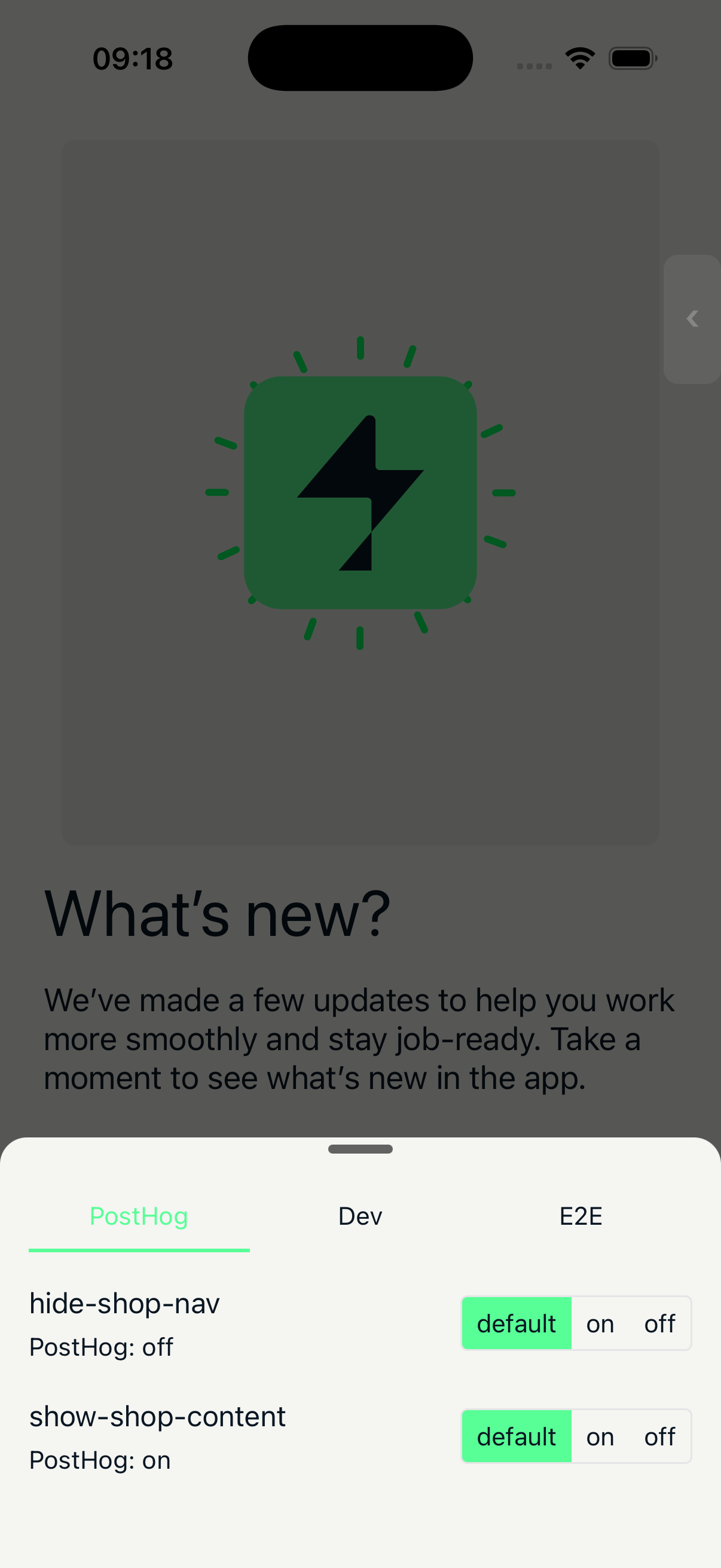
Four tabs for managing feature flags:
PostHog — Override remote feature flags to on, off, or default. Shows the actual PostHog value alongside your override. Use "Reset Overrides" to clear all overrides.
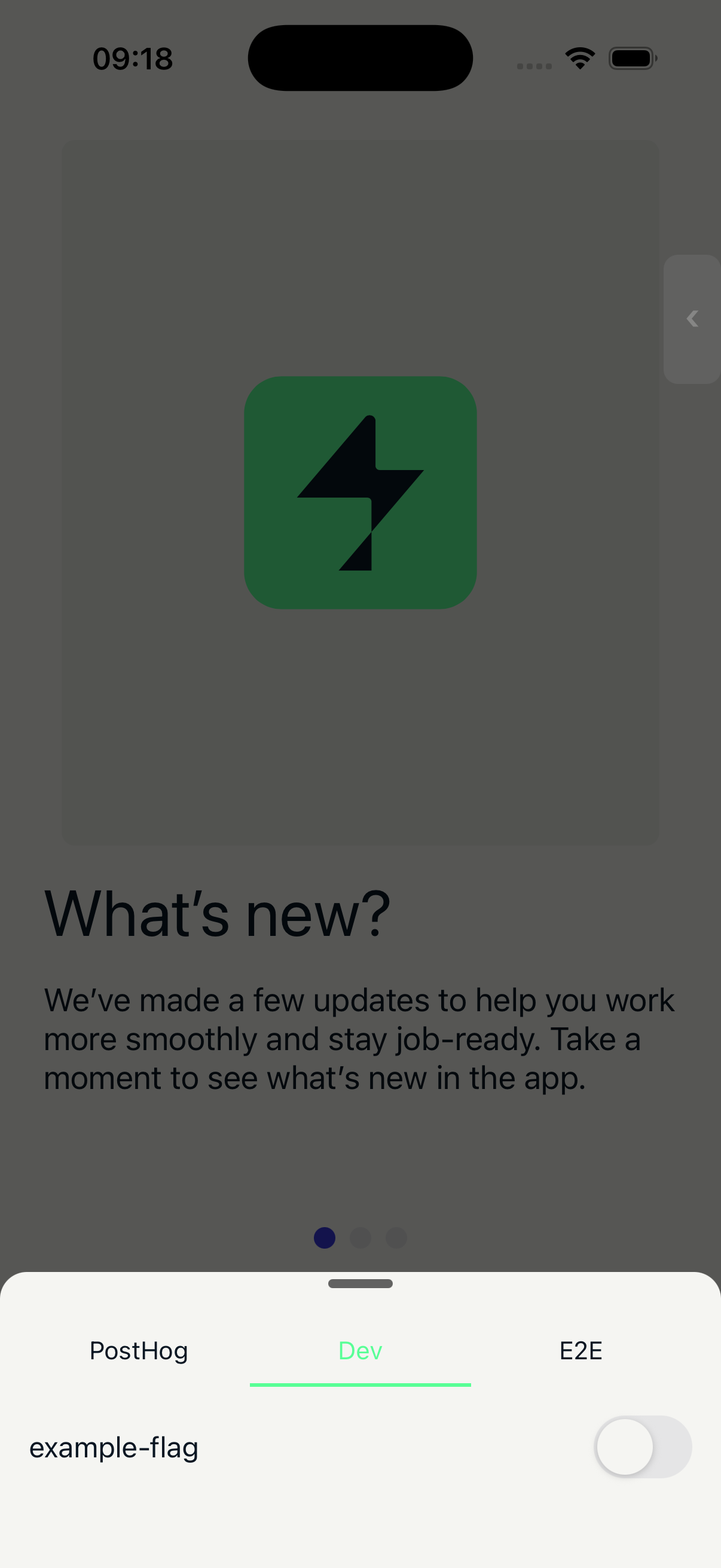
Dev — Toggle unreleased features behind internal dev flags. These default to off.
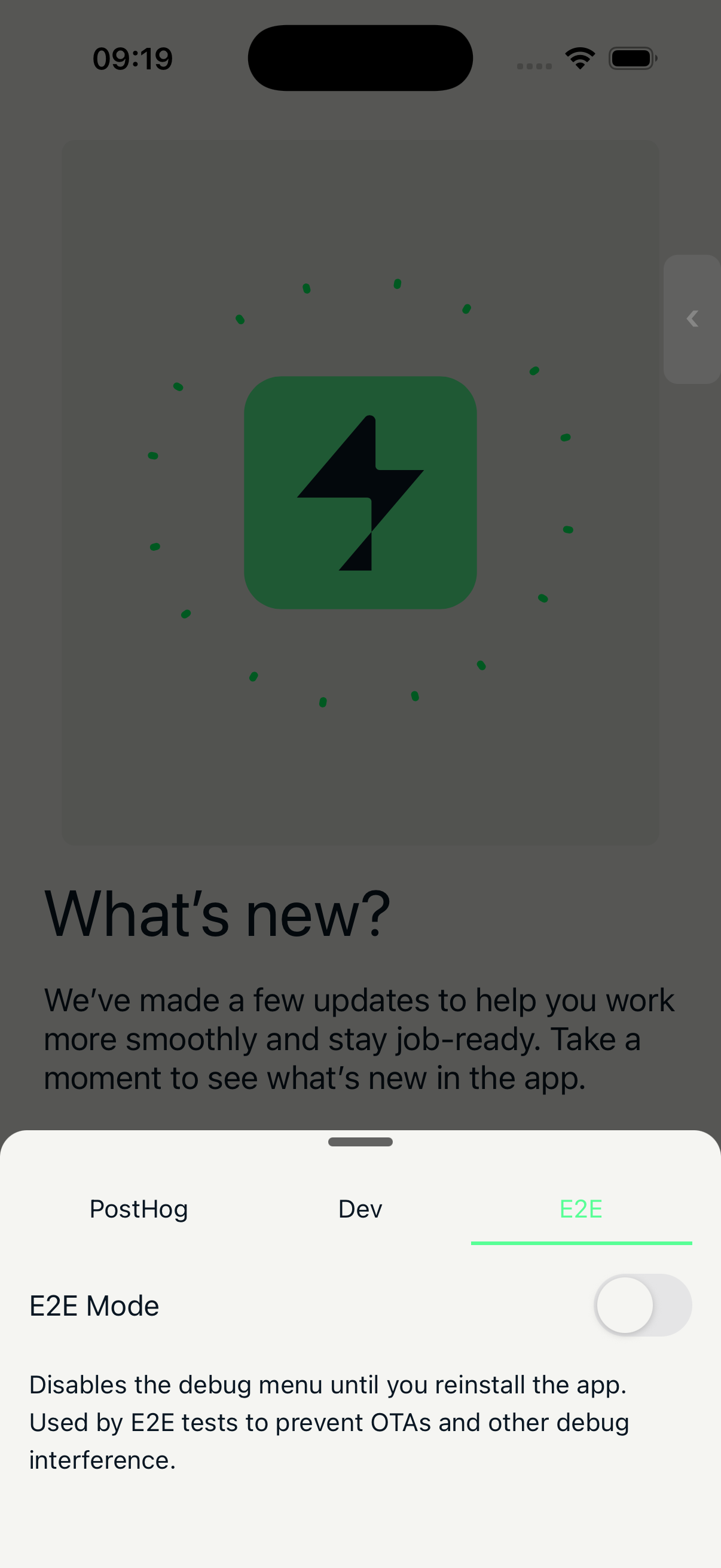
E2E — Enable E2E mode, which hides the debug menu and other debug UI until the app is reinstalled. Used by E2E tests to prevent debug interference.
Review — Read-only panel showing whether the engineer will get the native app-review prompt on their next accept/complete, with a per-gate breakdown of why it is or isn't firing.
Storybook
Open the design system component browser in a full-screen overlay. Only available in non-production builds.